



Skybrush Studio for Blender 4.2 is out. This article summarizes main new features and enhancements since our last related blog post on version 4.0.
Yaw rate checking for pyro drones #
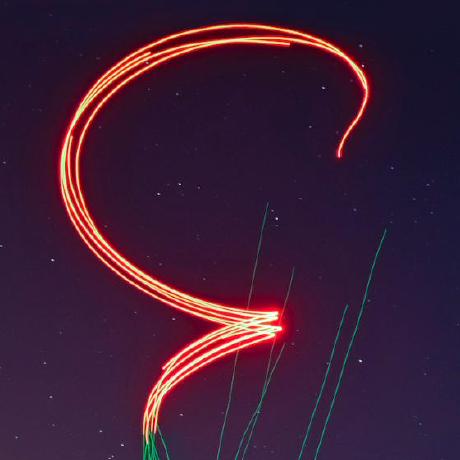
Since more and more drone shows are present with pyro drones, we added yaw rate validation to the already very extensive list of real-time safety checks to make sure drones are always headed towards the right direction when they shoot pyro.
A new maximum yaw rate warning threshold is introduced that can be setup in the Safety Check panel of the Safety & Export tab. If the yaw angular rate of the drones (in either clockwise or counter-clockwise directions) is larger than this threshold, they will be highlighted with light blue in the 3D Viewport window, and the current maximum yaw rate will be displayed numerically as well.
Enhanced validation report #
We have substantially refactored the validation report of drone shows. The new .pdf format has a much cleaner layout and contains a lot more information about the show summarizing everything operators need to know when they receive a show from the designer. The new layout includes:
- acceleration, yaw and pyro related statistics and validation checks,
- information about the flight envelope used in the show,
- a lot more general statistics about your drone show and
- enhanced plots of all safety check timelines.
Try it and give us feedback on what else you might need!
Performance optimization #
We are trying to push the limits of performance in every release of Skybrush Studio. By now it is clear that the most demanding part for Blender to calculate is the light effects. So we added a main toggle to the Light Effects panel to be able to temporarily disable light effects globally, so that designers can work with amination data without rendering speed compromises. We also enhanced the light effect calculation by caching data from previous frames with the same color.
Credits go to our community member @Happyrobot33 for suggesting and coding the base of these enhancements!
Google Earth .kmz export #
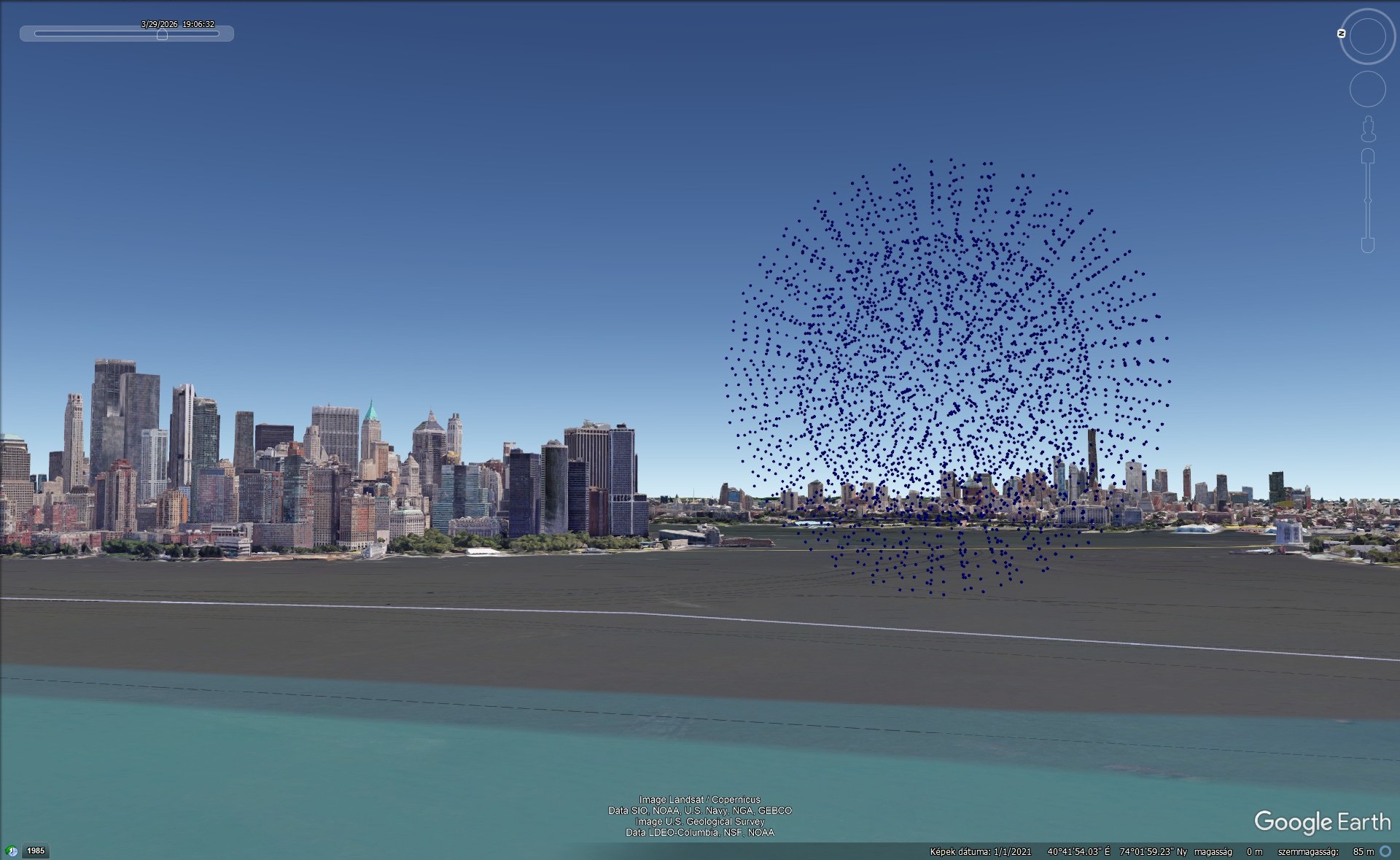
A new exporter has been added to create .kmz files of drone shows to be displayed in a realistic 3D environment in Google Earth. This new functionality is available for Pro X license holders only.
Note that Google Earth itself is not optimized for displaying dynamic color animation data of so many objects, so we included only a colorless version of the animation that can be rendered by Google Earth without substantial lag. This version can already give you a great chance for visual validation in your final 3D terrain settings.
Bugfixes based on community feedback #
We are very thankful for our community to report any bugs and peculiarities about our software and we always do our best to correct these as soon as possible. In this new version of Skybrush Studio the following small bugs have been corrected based on test reports and feedback from the community:
- fixed floating point rounding errors in pixel selection of image based light effects,
- fixed color space conversion for the CSV and DSS importers,
- fixed coordinate transformation of the DSS PATH3 exporter,
- completely stationary shows are not reduced to zero length any more in the
.skycoutput, - fixed when acceleration warnings appear as a safety check.
As a related extra feature, yaw control data has been added to the DSS PATH3 exporter.
For more details please check the official changelog on GitHub.
New backend release #
The latest stable backend of the design phase as of now is Skybrush Studio Server 2.38. This version supports all new features of Skybrush Studio for Blender listed above, together with further performance optimization on the backend tasks.
Blender 5.x compatibility #
While the latest lonng-term support Blender version is still 4.5 LTS, the Blender 5.x series is already out. We already support these versions, including 5.0 and 5.1, but in case you find unusual behaviour with these latest versions, please contact us.
Providing feedback #
Our intent is to keep as much code open source as possible. In return, we ask those who design large commercial shows to purchase a professional license for Skybrush Studio for Blender to support its maintenance and development. We also encourage you to share feedback on our Discord server or directly in the issue tracker of the corresponding repository on GitHub, whether about bugs, feature requests, or other ideas.
Community feedback significantly shapes the evolution of Skybrush. Thank you for contributing.